OpData-Drive

OpData-Drive

Operation Logbook

  • Specialty-specific record forms for 21 specialties.
  • Keep an orderly record of the operations you perform.
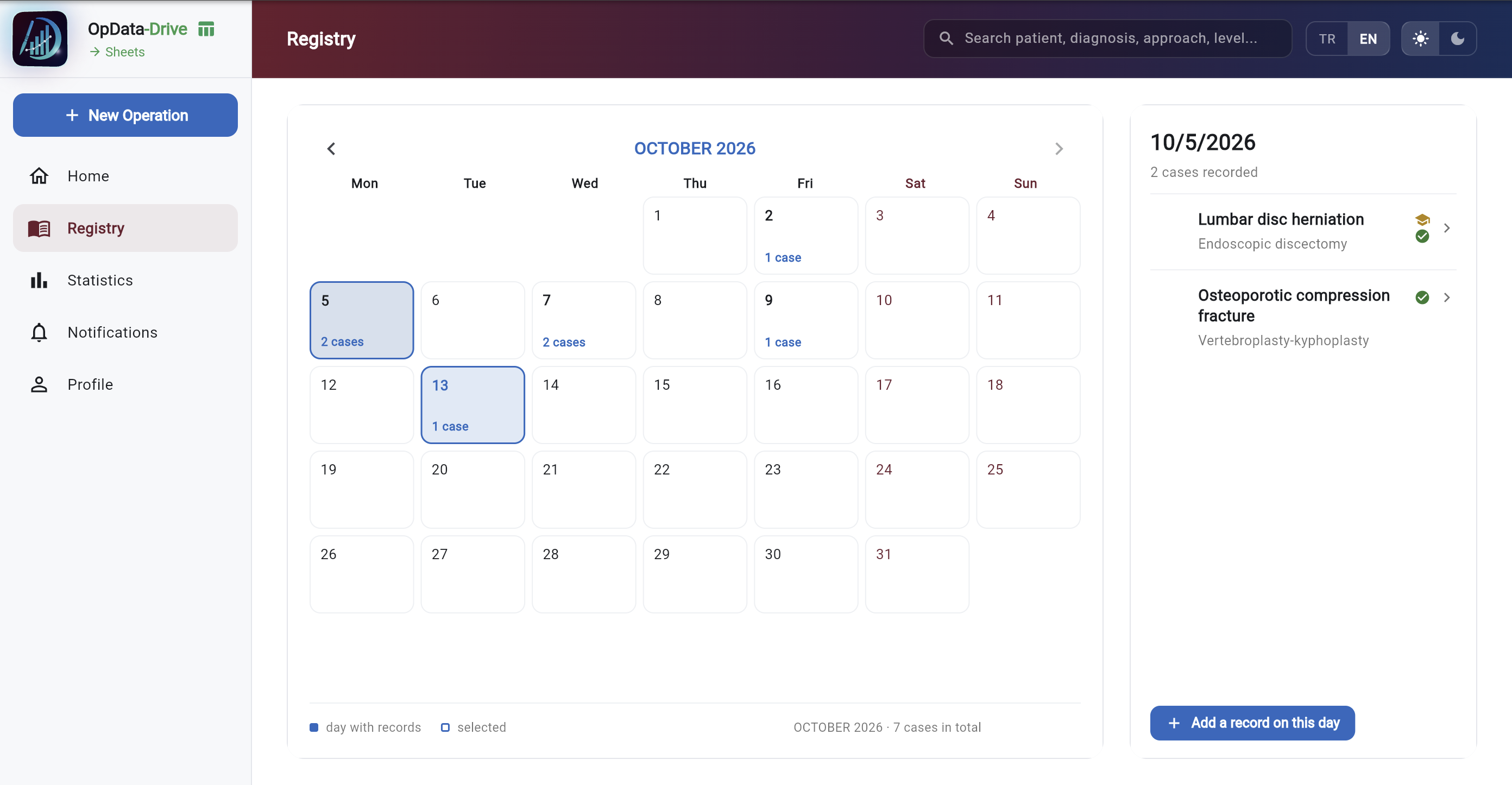
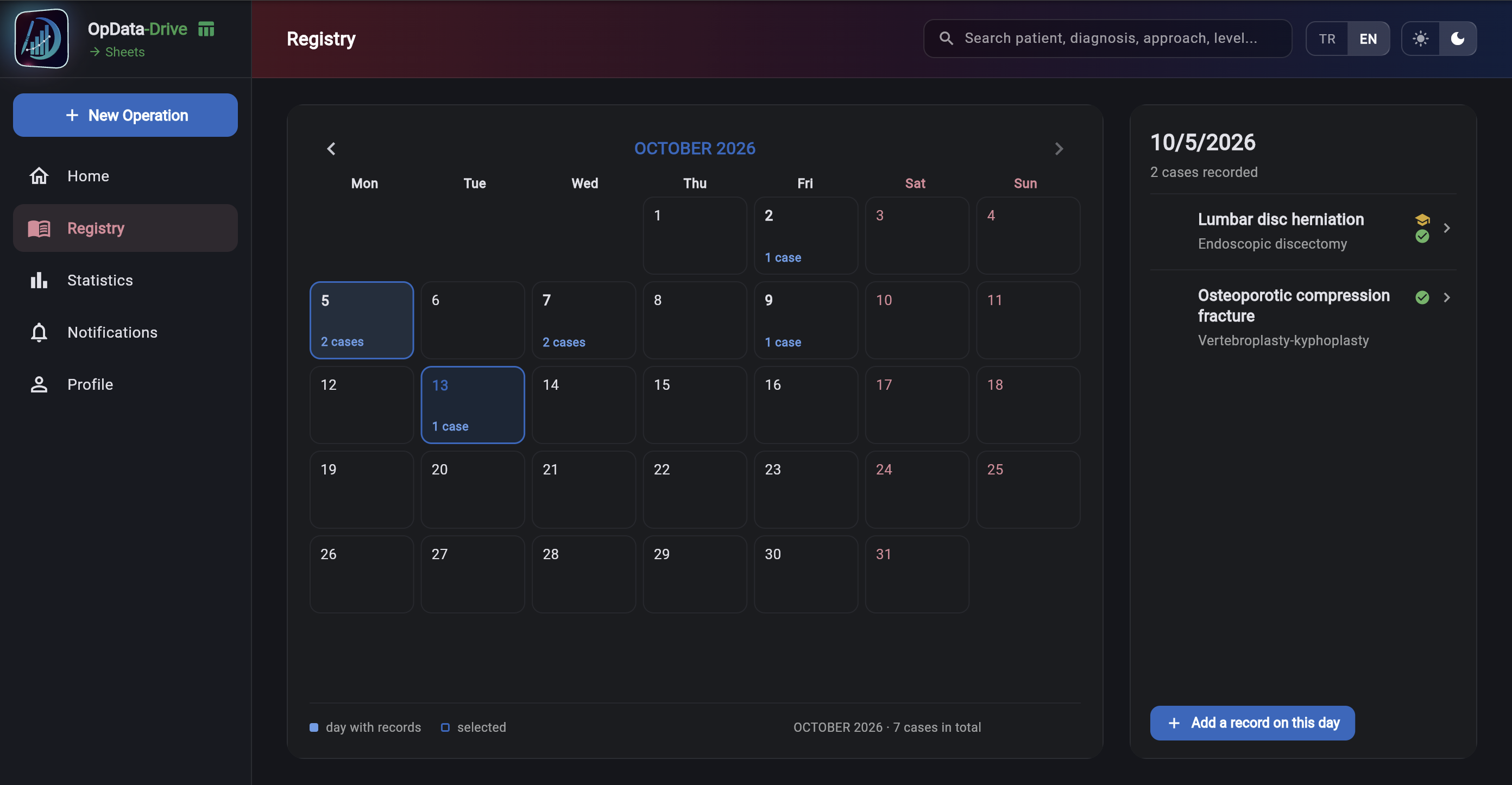
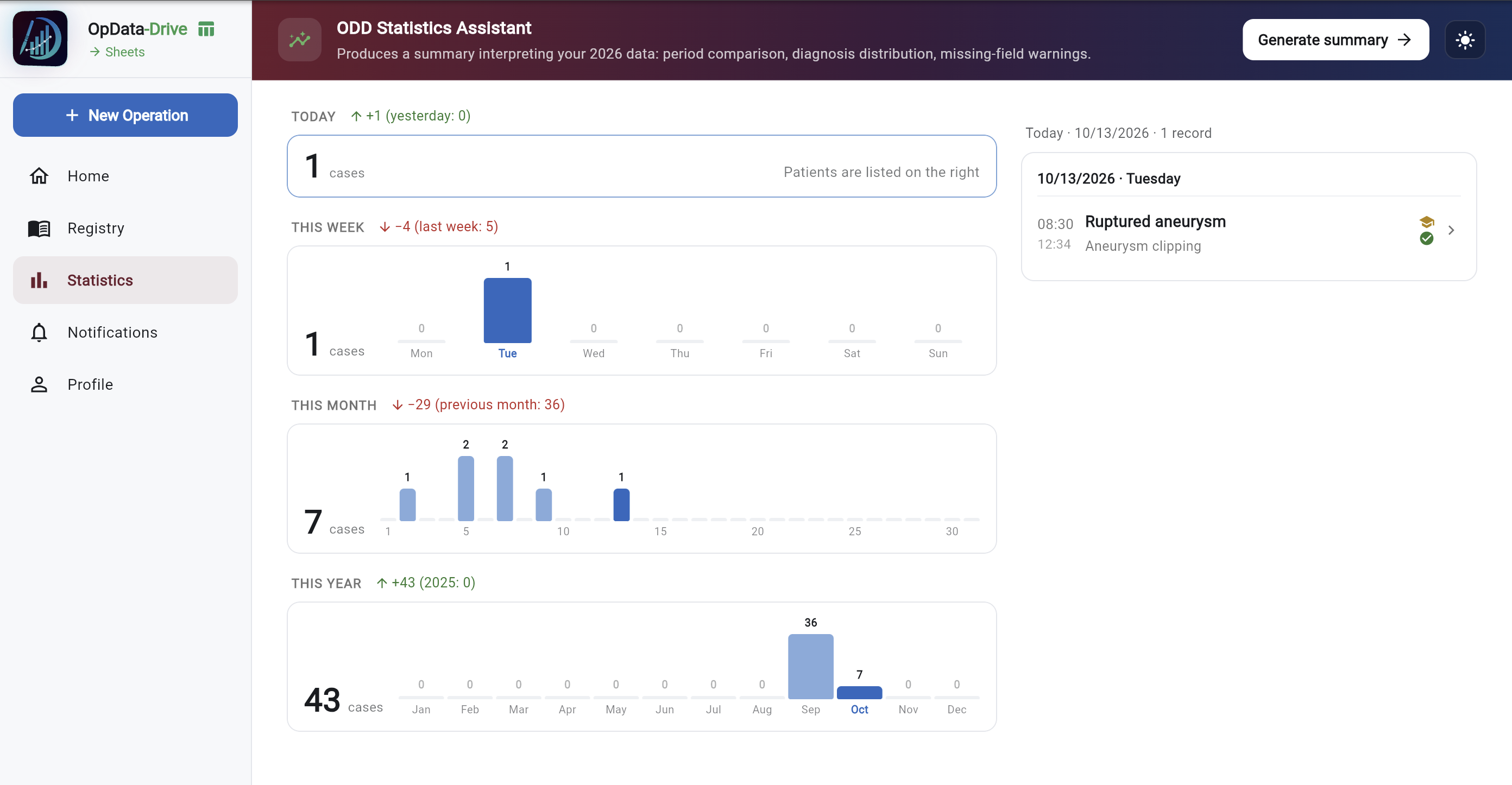
  • See your case count by day, week, month and year.
  • If you choose, your records are written to your own Google Sheets spreadsheet.
  • Add the colleagues you worked with as team members; the record appears in their logbook and their Google Sheet too.
An African proverb says:

If you want to go fast, go alone.

If you want to go far, go together.

Mobile Version

Web Version

08
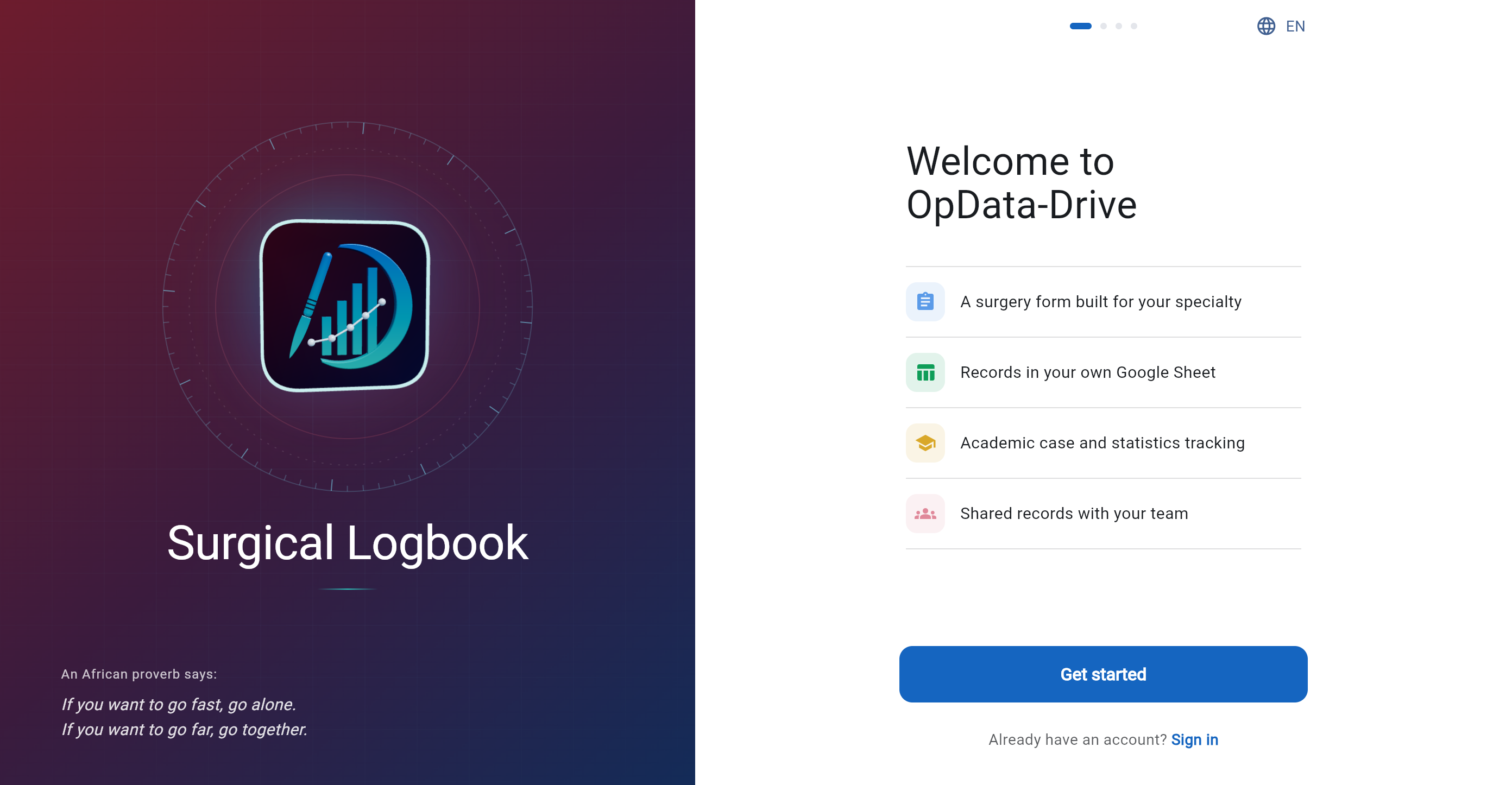
Sign In & Sign UpSign In & Sign Up
Sign In & Sign Up Sign In & Sign Up
01Sign In & Sign Up
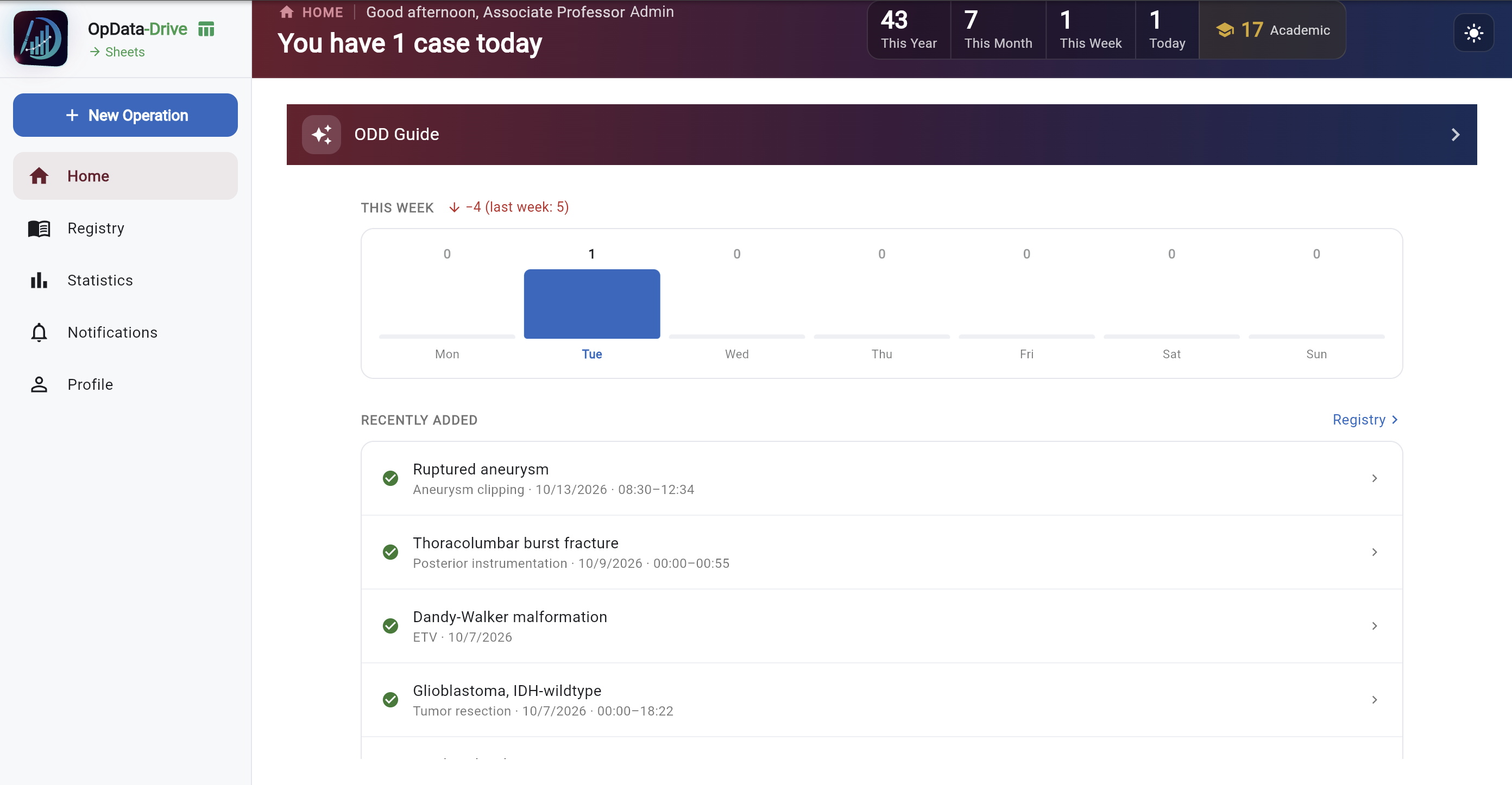
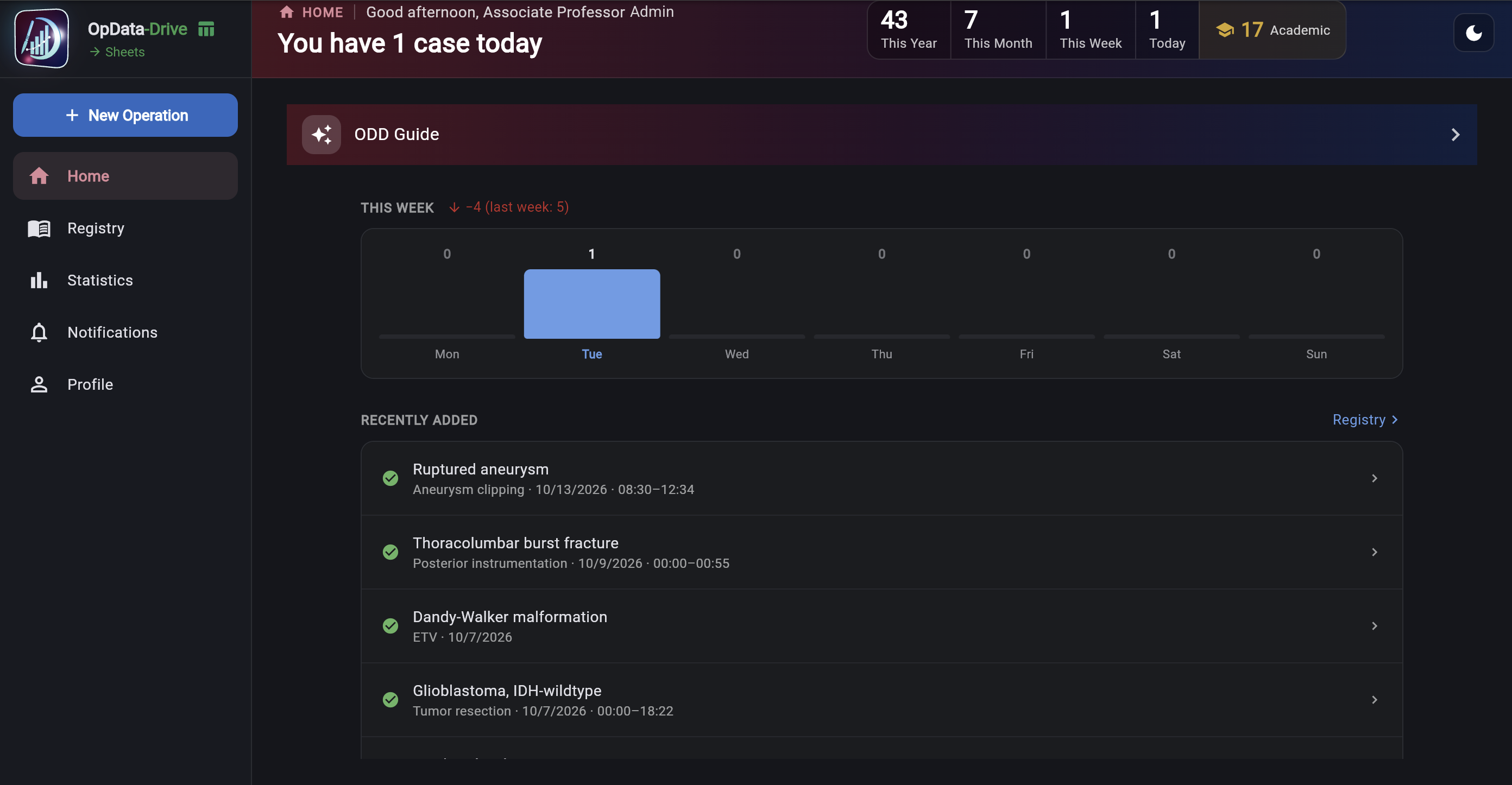
Home — All-Time Case Counts Home — All-Time Case Counts
02Home — All-Time Case Counts
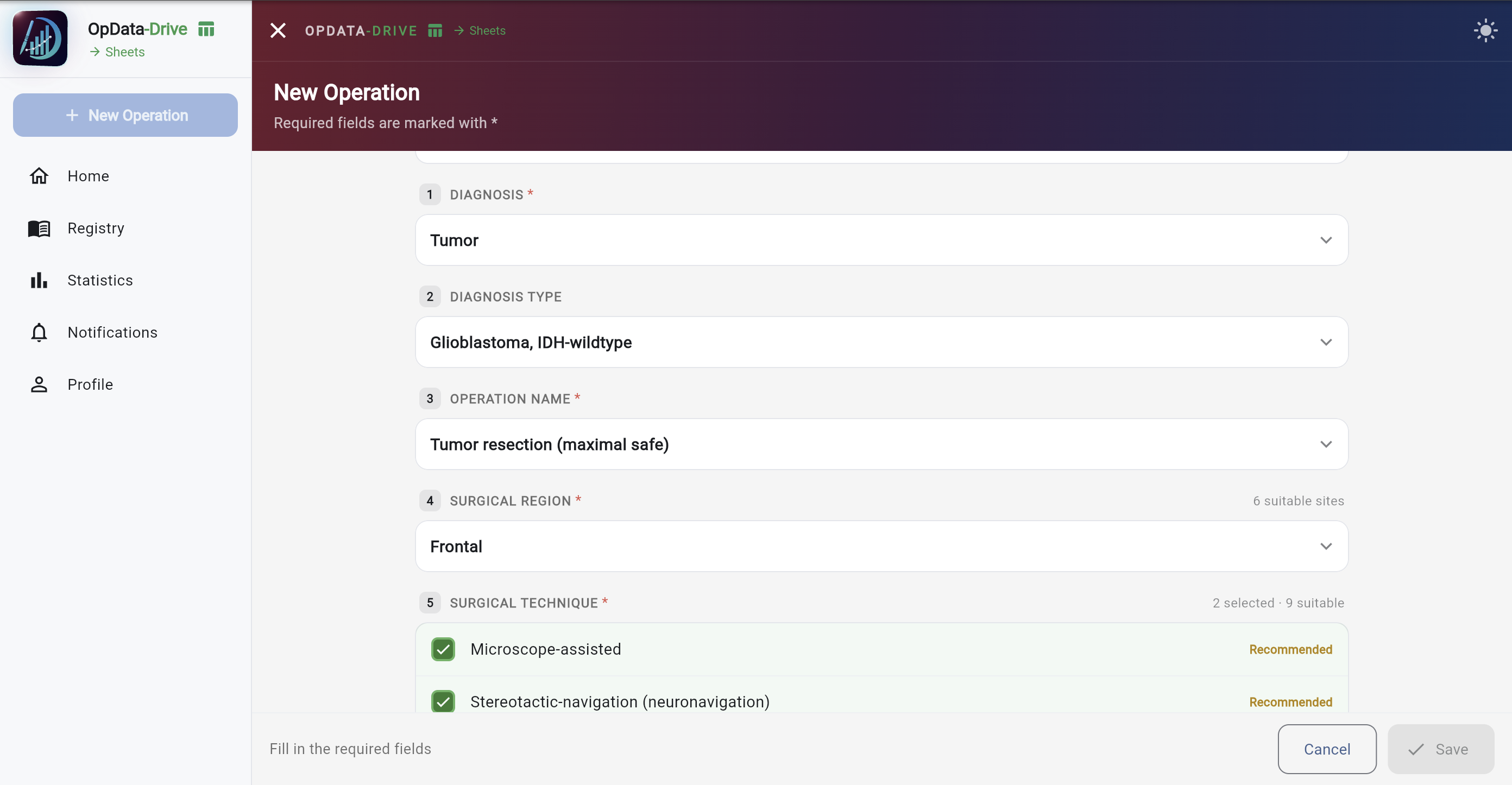
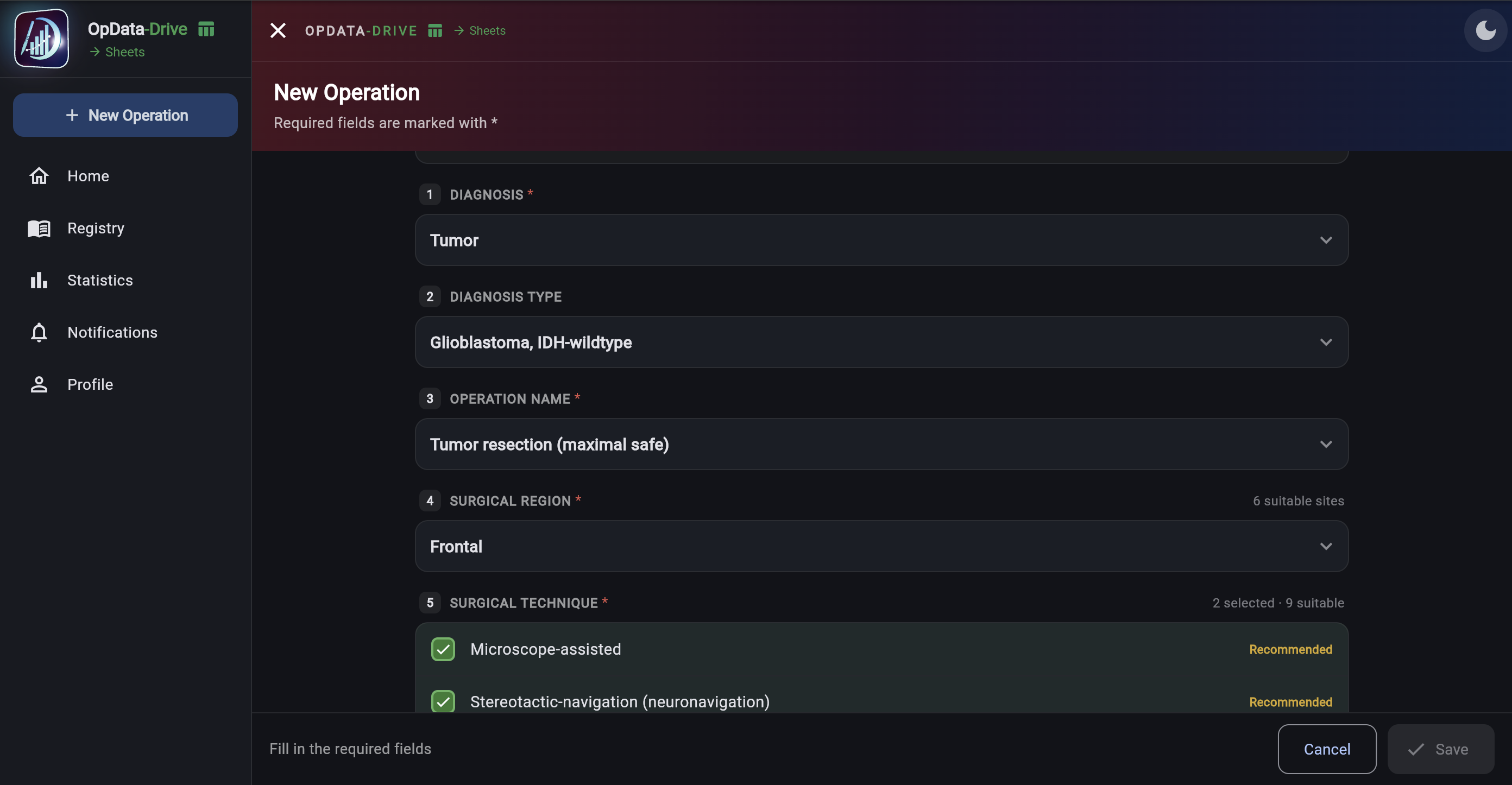
New operation — Create It in 30 Seconds New operation — Create It in 30 Seconds
03New operation — Create It in 30 Seconds
Registry — All Your Operations Registry — All Your Operations
04Registry — All Your Operations
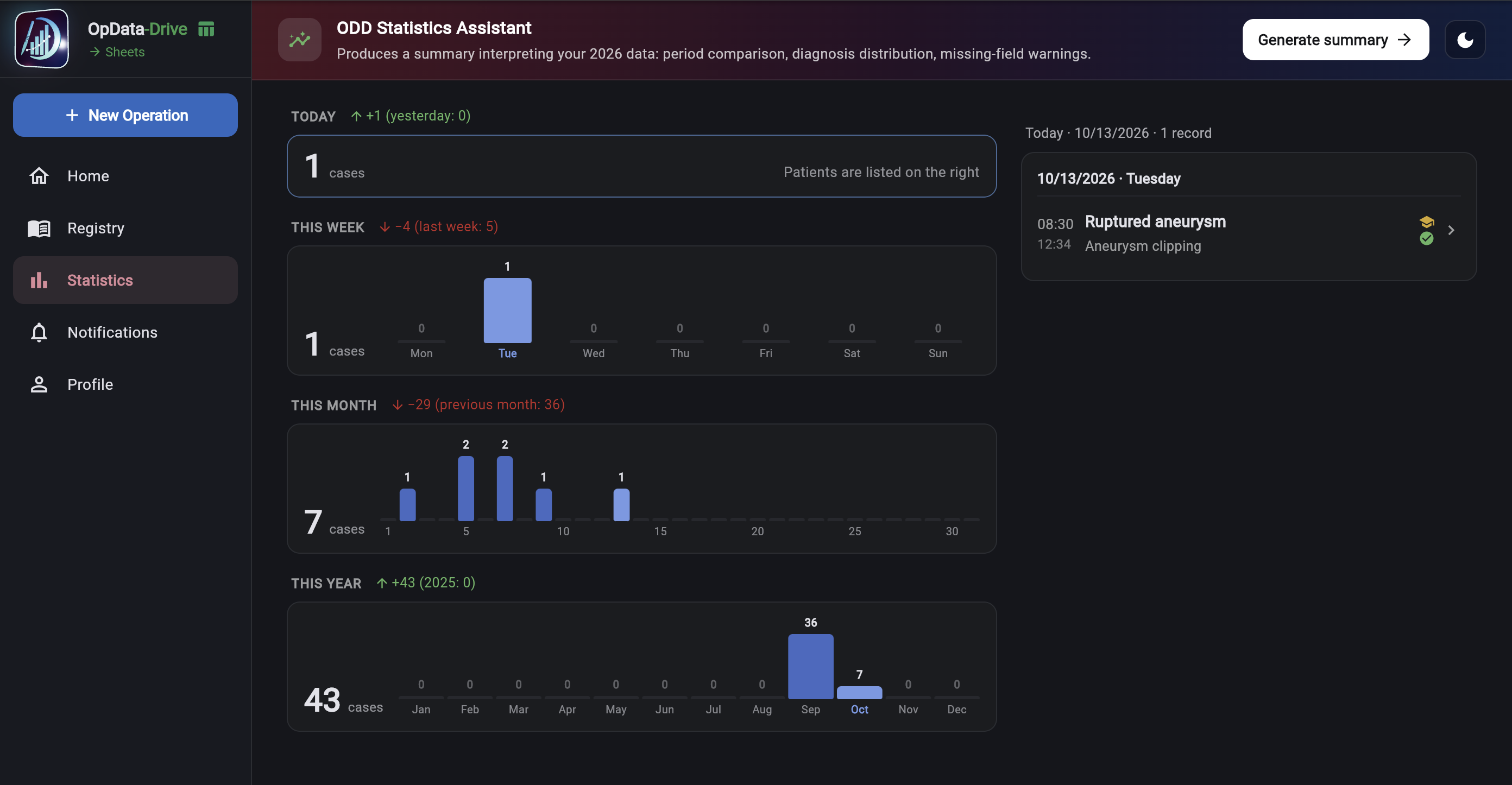
Statistics — Your Operations by Day, Month and Year Statistics — Your Operations by Day, Month and Year
05Statistics — Your Operations by Day, Month and Year
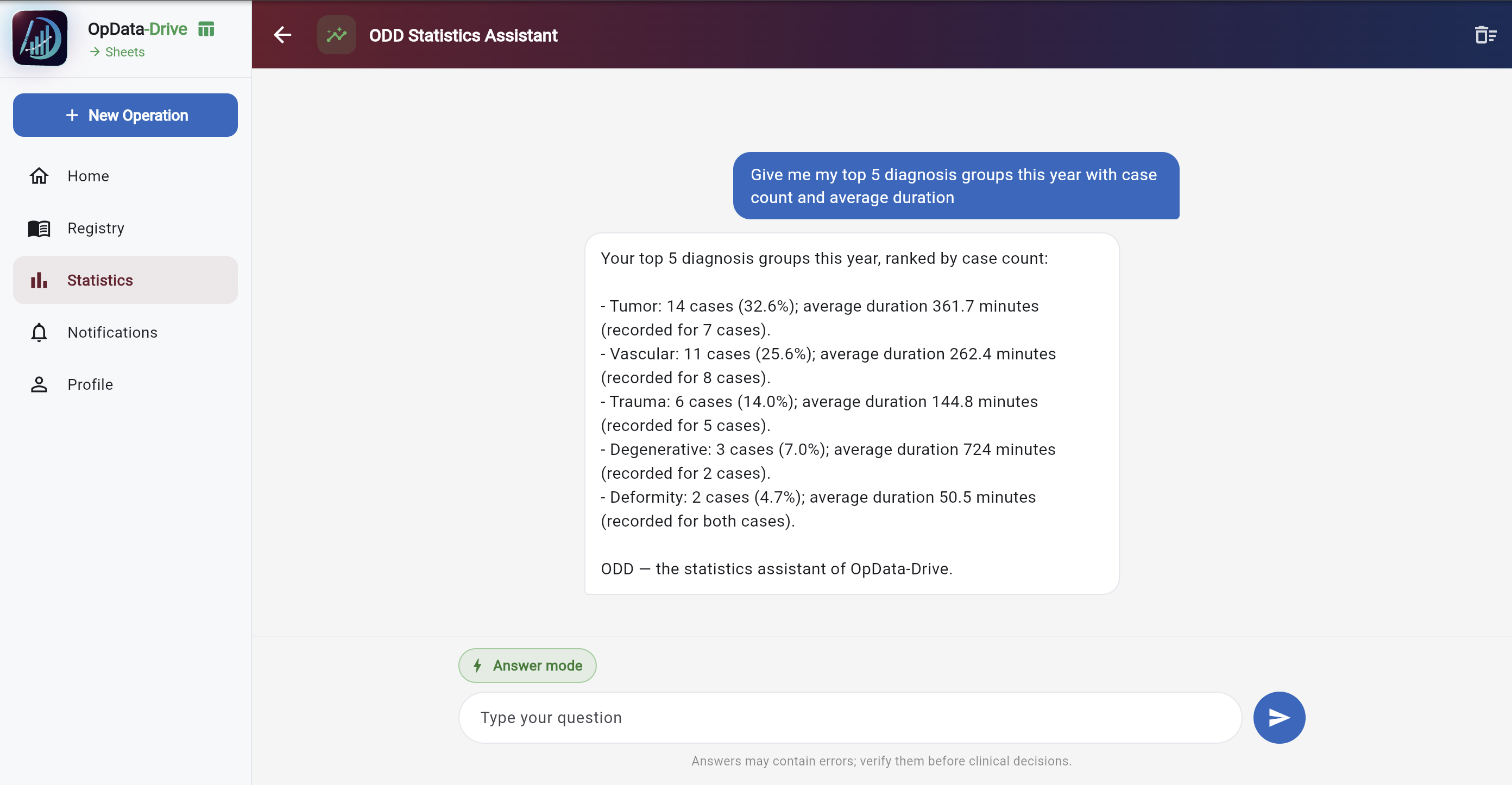
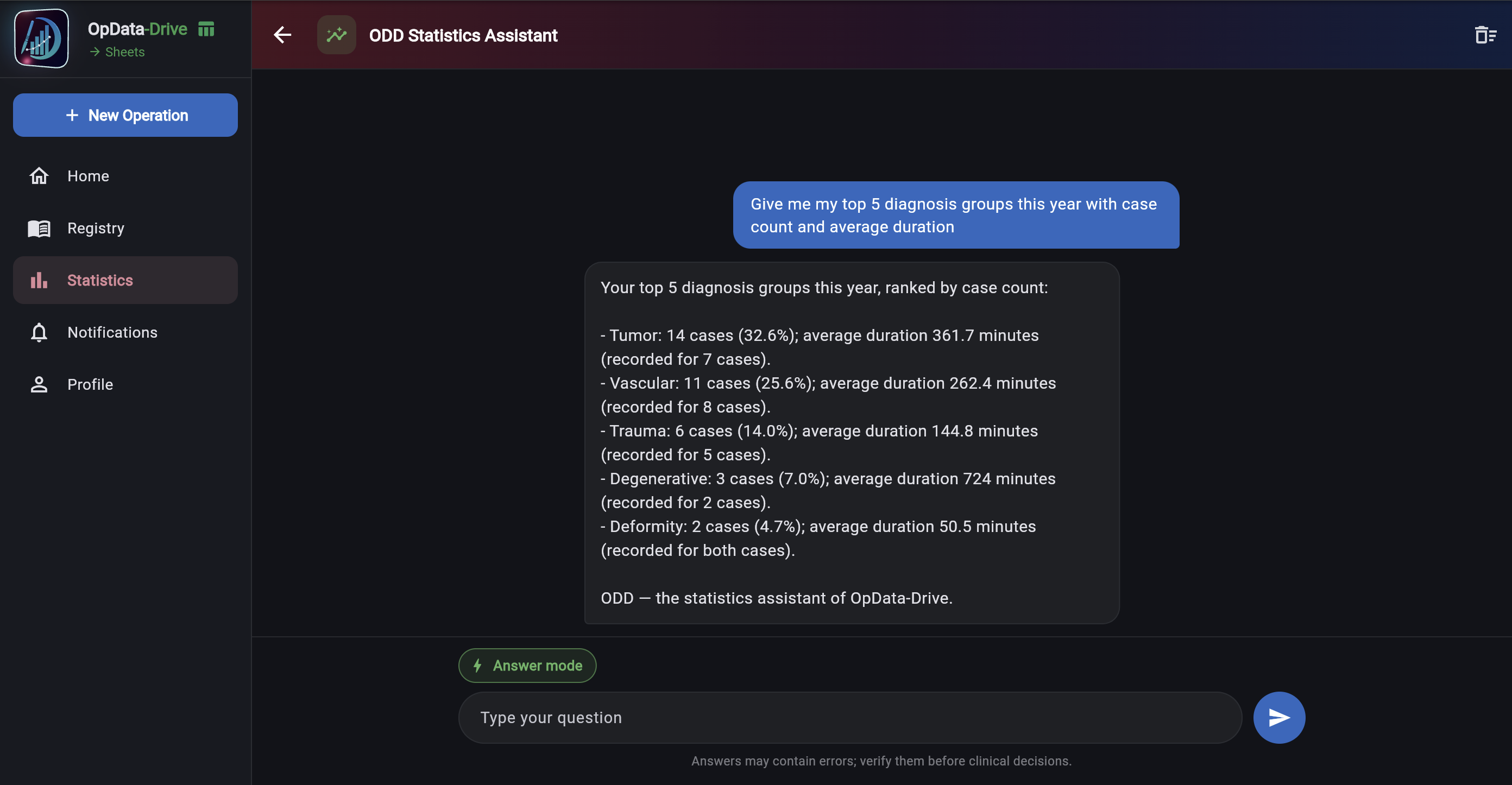
ODD Statistics Assistant — Ask About Your Operations ODD Statistics Assistant — Ask About Your Operations
06ODD Statistics Assistant — Ask About Your Operations
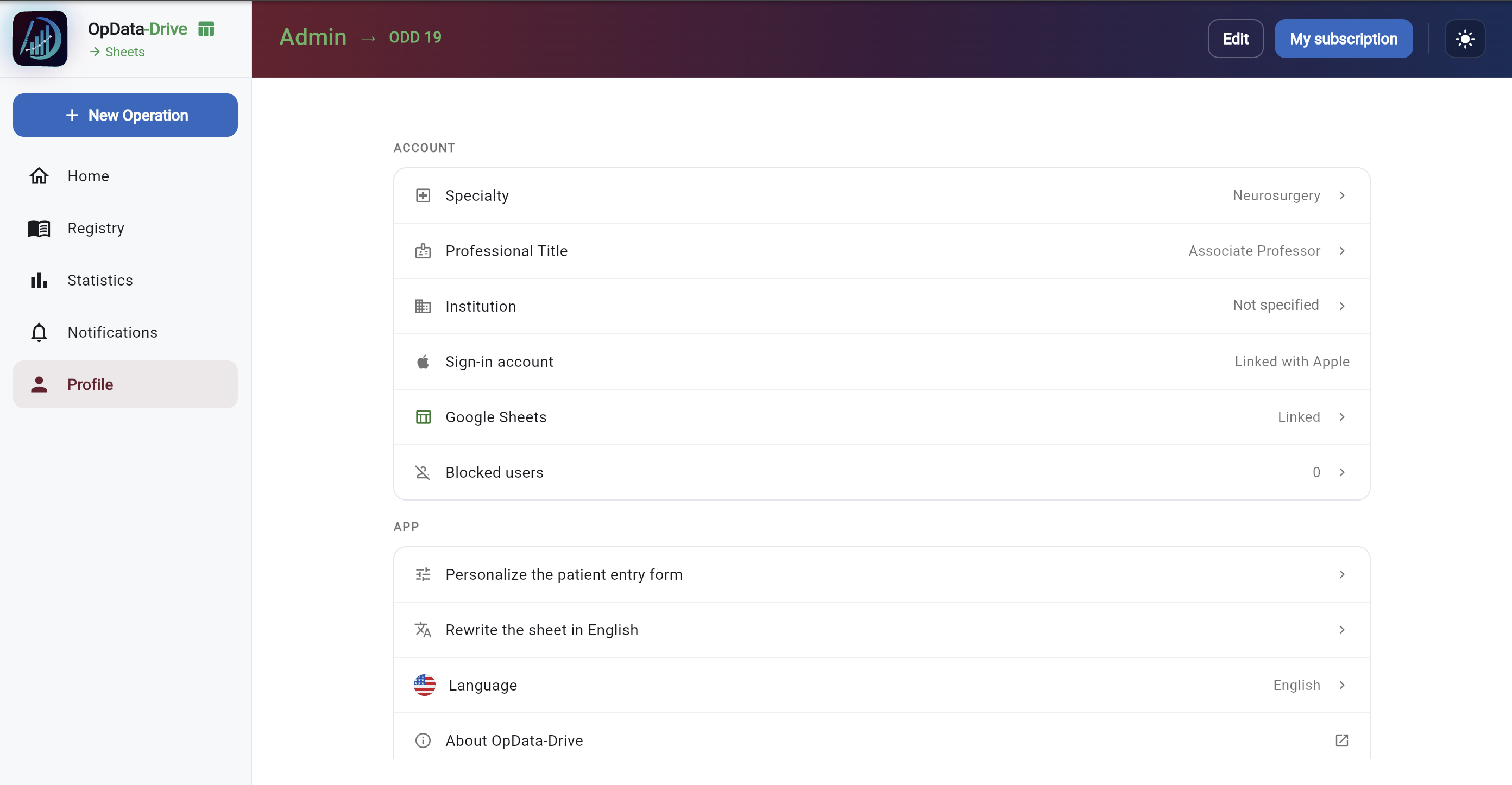
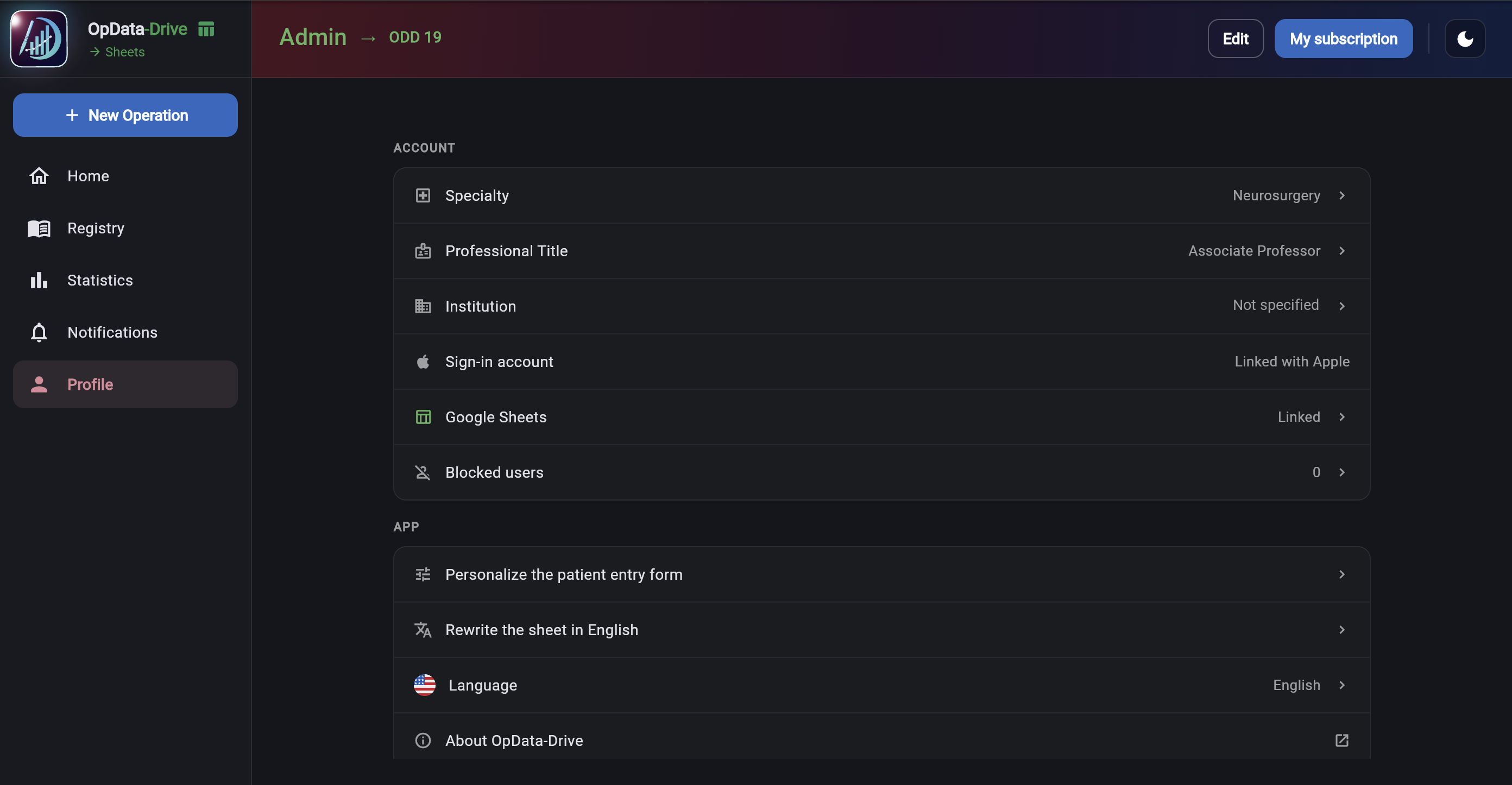
Profile & Premium — Unlimited Sheets and Statistics Profile & Premium — Unlimited Sheets and Statistics
07Profile & Premium — Unlimited Sheets and Statistics
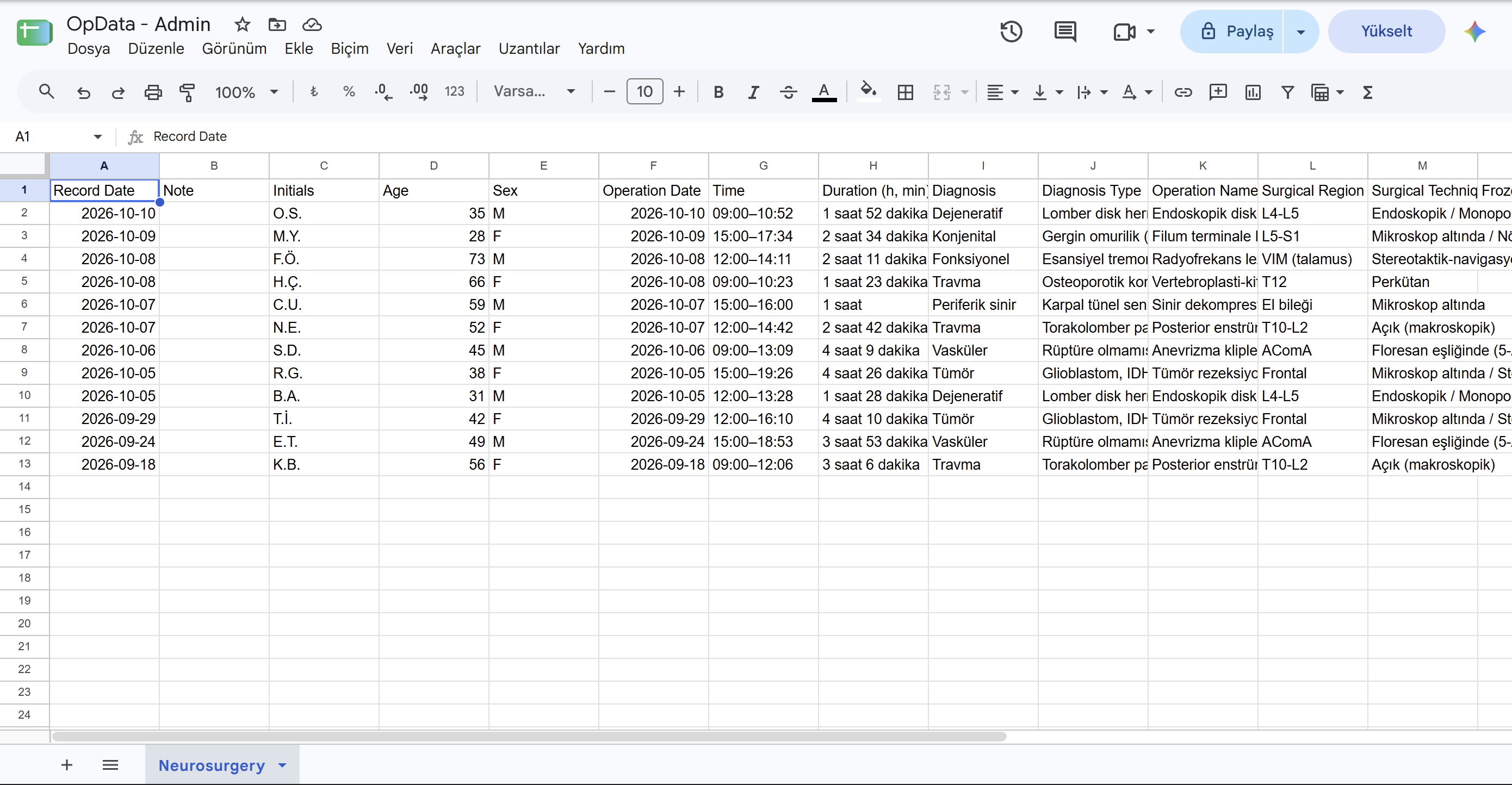
Google Sheets — Records in Your Drive Google Sheets — Records in Your Drive
08Google Sheets — Records in Your Drive

Measurements and Scales

The scale form lives on your patient’s phone, not on paper

Send scales to your patient with a QR code and see the results next to the operation record, each with its date. Scales are included in Premium.
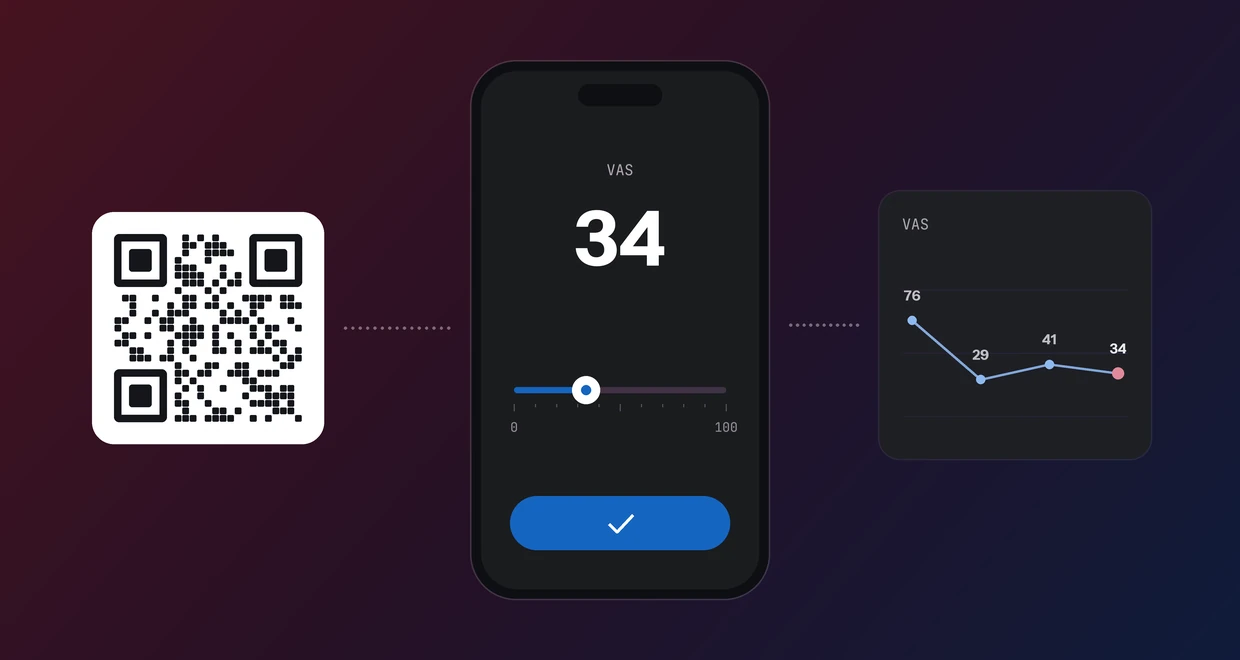
A QR code, the VAS scale on the patient’s phone and the measurement history chart
  1. 01Choose the scale

    OpData-Drive creates a QR code and link for that measurement.

  2. 02Your patient fills it in

    Your patient scans the QR code and answers on their own phone.

  3. 03See the score on the record

    You get a notification; the score joins the patient record with its date.

Scales your patient fills in: VAS, NRS, Roland-Morris (RMDQ), PHQ-9, GAD-7, PCL-5. Scales you rate: Karnofsky, ECOG, NIHSS. OpData-Drive is a record-keeping and documentation tool; it does not diagnose or recommend treatment. Interpretation of scores and all decisions remain with the doctor. Patient and measurement values in the image are examples.

Features

Specialty-specific forms

  • Separate record forms for 21 specialties.
  • Diagnosis, diagnosis type, procedure type, operative technique, urgency and other fields change per specialty.
SPECIALTIES21Show all
  1. 01Cardiology
  2. 02Cardiovascular Surgery
  3. 03Dentistry
  4. 04Emergency Medicine
  5. 05General Surgery
  6. 06Internal Medicine
  7. 07Interventional Radiology
  8. 08Neurology
  9. 09Neurosurgery
  10. 10Obstetrics and Gynaecology
  11. 11Ophthalmology
  12. 12Oral and Maxillofacial Surgery
  13. 13Orthopaedics and Traumatology
  14. 14Otorhinolaryngology
  15. 15Paediatric Surgery
  16. 16Paediatrics
  17. 17Pain Medicine
  18. 18Plastic Surgery
  19. 19Psychiatry
  20. 20Thoracic Surgery
  21. 21Urology

Works offline

  • Enter records on mobile and desktop without a connection.
  • Once you are back online they sync in the background.

Google Sheets sync

  • Connect your Google account.
  • Your records are written to a spreadsheet created in your own Drive.
  • The spreadsheet is yours — download, share or analyse it whenever you like.

Teams

  • Add the OpData users you operated with to a case as team members.
  • The record appears in their Registry, and for Premium members in their Google Sheets too.

Statistics

  • See your total case count.
  • Review your diagnosis and procedure distribution.
  • Group your data by year, month and week.

Premium

  • Monthly and annual subscription options.
  • 7-day free trial.

Who it is for

A case logbook for every doctor, from resident to specialist

One logbook to track your cases during residency, keep your own series, or log together with your team.

  1. RESIDENTYour training logbook

    Log every operation you perform or assist in; see your case numbers by day, week, month and year.

  2. SPECIALISTYour own case series

    All your operations in one place; records go to your own Google Sheet, ready for analysis and presentations.

  3. TEAMLog together

    Add the colleagues you worked with on a case; the record also appears in their logbook and sheet.

VIP & Elite program

01VIP members gift Premium to their colleagues.
02The most successful invite Elite members.
03Elite members move up to VIP.
Applications are open to members without Premium: sign up, link your Google account, then apply from Profile in the app. Sign up

Frequently asked questions

What is OpData-Drive?

OpData-Drive (opdatadrive.com) is a logbook for the operations you perform. It shows how many cases you have done in clear statistics and, if you like, also writes your records to your own Google Sheets spreadsheet.

Which specialties does it support?

It supports 21 specialties. Each has its own record form; diagnosis, diagnosis type, procedure type, operative technique and urgency fields change per specialty.

Does it work without internet?

Yes. On mobile and desktop you enter records without a connection; once you are back online they sync in the background.

Is patient information safe?

Records are stored encrypted on your device with SQLCipher and transferred over TLS. The app does not collect patient names — only initials may be recorded.

Is it free?

Premium comes with monthly and annual subscription options. You can start with a 7-day free trial.

Which devices can I use it on?

You can use it on mobile and desktop.

Support

For questions, requests and bug reports: support@opdatadrive.com